Integrate Visma Control Edge with HubSpot
Starting at 50 000 SEK per item · 2 900 SEK per month
An integration between Visma Control Edge and HubSpot reads your financial data and assigns it to the correct company in the CRM. Revenue posted to the general ledger indicates what the customer is purchasing. Invoices and payment status from the accounts receivable ledger indicate whether you’ve been paid. You choose which of these to include, and they are created as separate records in HubSpot.
Sales, marketing, and customer service teams can view the same purchase history directly on the company card. No one needs to pull up Excel reports anymore.
Leadfront is an ISV partner of Visma with a verified private app in Visma’s Developer Portal.
What You Get
-
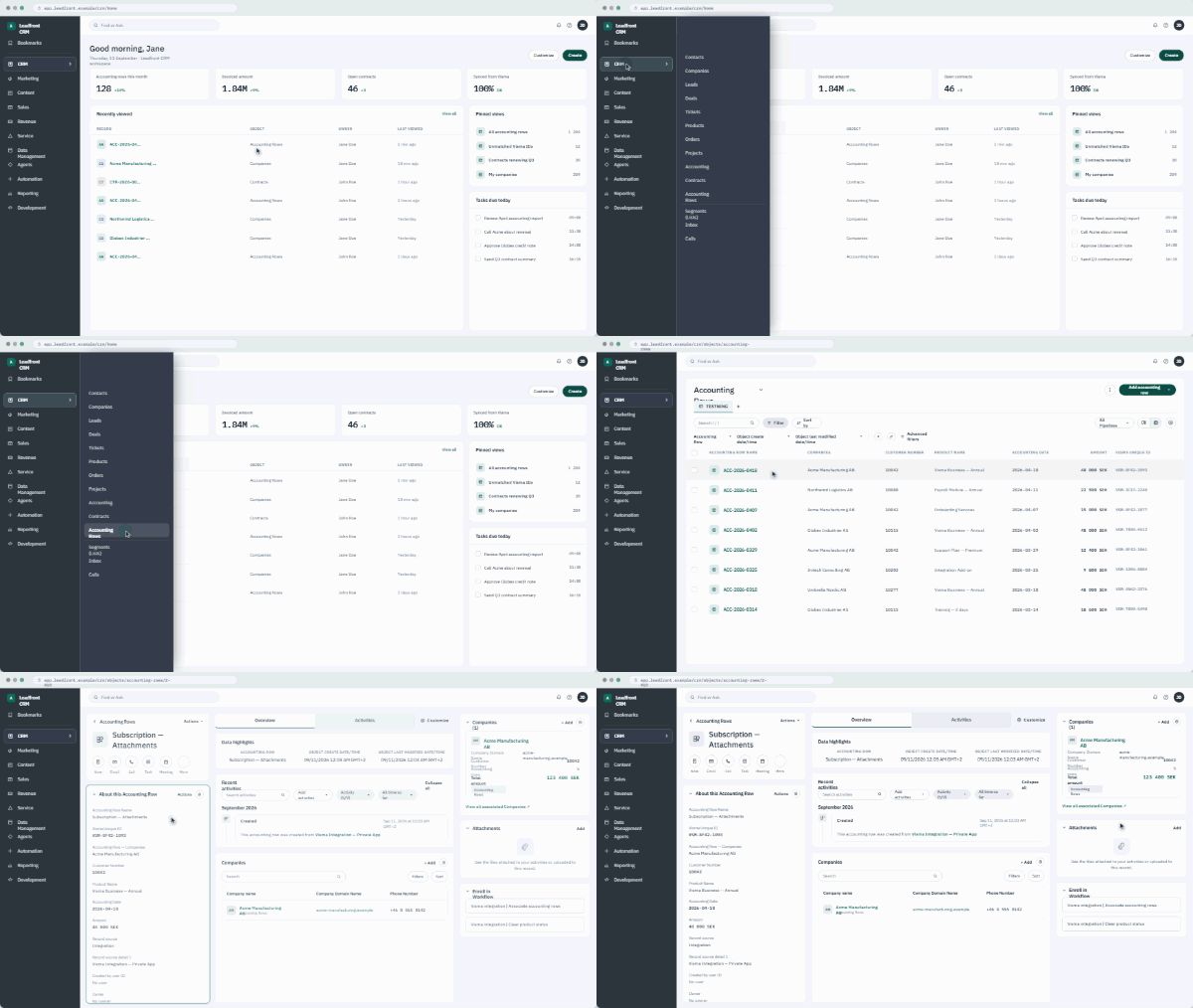
Purchase history on the corporate card: Every night, revenue entries are retrieved from the general ledger and assigned to the correct company, matched to your unique identifier—such as a customer number or corporate ID number.
-
Active customers by product or service category: Customers are automatically deselected when purchases cease. This keeps the database up to date.
-
Invoices and payment status whenever you need them: The customer ledger is built as a separate entity, so sales and service teams can view the payment status before a call.
-
The financial system cannot be affected: read-only access is built into the code as a restriction, not as a setting that someone might accidentally change.
-
Operations and support keep the systems up to date, and a nightly check retrieves any missing data.
The data already exists; it's just not visible where the work is being done
Every krona your business invoices is already recorded, categorized, and linked to a customer. It’s in Visma Control Edge. The problem is that sales, marketing, and customer service work in HubSpot, and none of that information is there.
You’re probably familiar with the result. The salesperson knows who the customer is but not what the customer has purchased. Marketing can’t build a list based on purchasing behavior, only on what someone has entered manually. And if a customer stops buying, it isn’t noticed until someone happens to check.
This reasoning applies to all accounting systems, not just Visma Control Edge. If you’d like to read the full article , you can find it here: ERP Integration with HubSpot: Five Use Cases.
Recorded or paid: two questions, two sources
The general ledger provides you with revenue recorded on an accrual basis. It tracks what the customer purchases and serves as the correct basis for customer value, revenue per product, and analysis over time. On its own, it’s a blunt sales indicator, since a prepaid annual invoice continues to be recorded for twelve months.
The accounts receivable module provides you with invoices, due dates, and payments received. It shows whether you’ve been paid and serves as the right basis for a follow-up conversation. However, it is not the right basis for calculating customer value. A late payer is not a less valuable customer.
That’s why they’re structured as two separate items, not one. You can choose whether to start with one or take both right away.
| Five use cases for ERP integration | ||
|---|---|---|
| What you do | Data source in Visma Control Edge | What you get |
| Create lists based on actual purchases | The general ledger—the accounts you designate as sales | All customers who purchase A but do not have B, filtered within three minutes |
| See when a customer stops buying | General Ledger, most recent entry per category | A list of customers who have lost their "active" status |
| Prioritize based on customer value | General Ledger, Revenue Recorded by Customer and Product | A basis for allocating accounts, not a guess |
| Make sure you're in payment mode before the call | Accounts Receivable, Invoices, and Due Dates | Sales and Service know the situation without having to email the finance department |
| Compare results with won deals | General Ledger, Revenue Recognized Over Time | A forecast that can be reconciled with the accounting records |
Price
Prices exclude sales tax. What is included in the first project is determined in the preliminary study, along with how far back the historical data should be retrieved.
Integration per object
Starting at 50 000 SEK
Preliminary study, data model, development, migration of historical data, and a week of testing for the first object—for example, transaction records from the general ledger.
Operations and Management
2 900 SEK per month
We own and manage the integration. Monitoring, alerts, nightly checks, and corrective action when something goes wrong.
Added item
Price in the feasibility study
If you want additional items—such as invoices and payment status from the accounts receivable ledger—the price will be based on the amount of data that needs to be interpreted.
Six steps from feasibility study to management
Preliminary Study and Data Model
Which accounts are sales, what is the matching key, and what does “active customer” mean? This is where the entire project comes together.
Access and Approval
You approve our app in Visma's Application Portal.
Construction
We'll set up reading, filtering, queues, and field structures in HubSpot based on the data model from Step 1.
Migration of History
We import the historical data retroactively so that the picture in HubSpot is complete.
Testing & Verification
You'll reconcile the data with the accounting records to ensure that nothing is missing in HubSpot.
Launch and Training
We'll launch the system into production and train your users on list building and segmentation. We'll then transition to management and support.
- Contact Us
Do you use Visma Control Edge and HubSpot?
Book a 30-minute session with me, and we'll discuss whether our integration could have helped your organization become more data-driven.
FAQ
About the integration between Visma Control Edge and HubSpot.
Where in Visma Control Edge is the data retrieved?
From two registers in Visma Control Edge.
Recorded revenue is retrieved from the general ledger, from the accounts you designate as sales, and the product is derived from the row’s dimensions. Invoices, due dates, and payments are retrieved from the accounts receivable ledger. Data is retrieved via the Visma Control Edge REST API to our app in the Visma Developer Portal. Which accounts and ledgers are included is determined in the preliminary study.
Could the integration change anything in Visma Control Edge?
No. It can only read.
There’s a safeguard in the code that blocks any request that isn’t a read before it’s even sent. So it’s not a setting that can be changed by accident.
Do we get duplicates in HubSpot?
No. The integration will never create new companies unless you want it to.
It matches against existing companies based on customer ID or organization number.
How much does it cost?
Starting at 50,000 SEK per item, plus 2,900 SEK per month for operation and management.
The price per added item—such as invoices from the accounts receivable ledger—is determined in the preliminary study based on the amount of data that needs to be interpreted. All prices are exclusive of VAT.
What happens if Visma Control Edge or HubSpot goes down?
Nothing is lost.
The records remain in a queue between the systems and are sent once the system is back up. Every night, a check is also run that compares the data with Visma Control Edge and retrieves anything that may have been missed. If something goes wrong, an alert is sent to us, not to you.
What do you need to do yourself?
Determine which accounts are sales accounts and what “active customer” means.
In addition, our app needs to be approved in Visma’s Application Portal, and your finance department will need a week to reconcile the data with your accounting records. After that, the integration will run on its own.
What determines whether a customer is considered active?
The most recent revenue recorded within a time window by product category.
The time window is set per category in the preliminary study, based on how often the product is invoiced. The posting date is the determining factor, so that a corrected old entry does not reactivate a closed customer. If you also want to see when the customer last made a purchase or renewed a subscription, the order or invoice is the correct source, and that is a separate entity.
- We're here to help you
Find out what you can do with your data
The first step is always the same: which accounts are sales accounts, how is the customer matched, and what does “active customer” mean? If you have the answers, the rest is just a matter of building the system. If you don’t, that’s exactly what the preliminary study will determine.
Fill out the form and briefly describe your situation, and we’ll get back to you.